Keep Chrome fast. Keep your tabs in control.
TabMaster Pro auto‑suspends inactive tabs, saves and restores sessions, and blocks duplicate tabs — all while keeping your data on your device.

Features built for speed
Everything you need to keep your browser clean, fast, and focused.
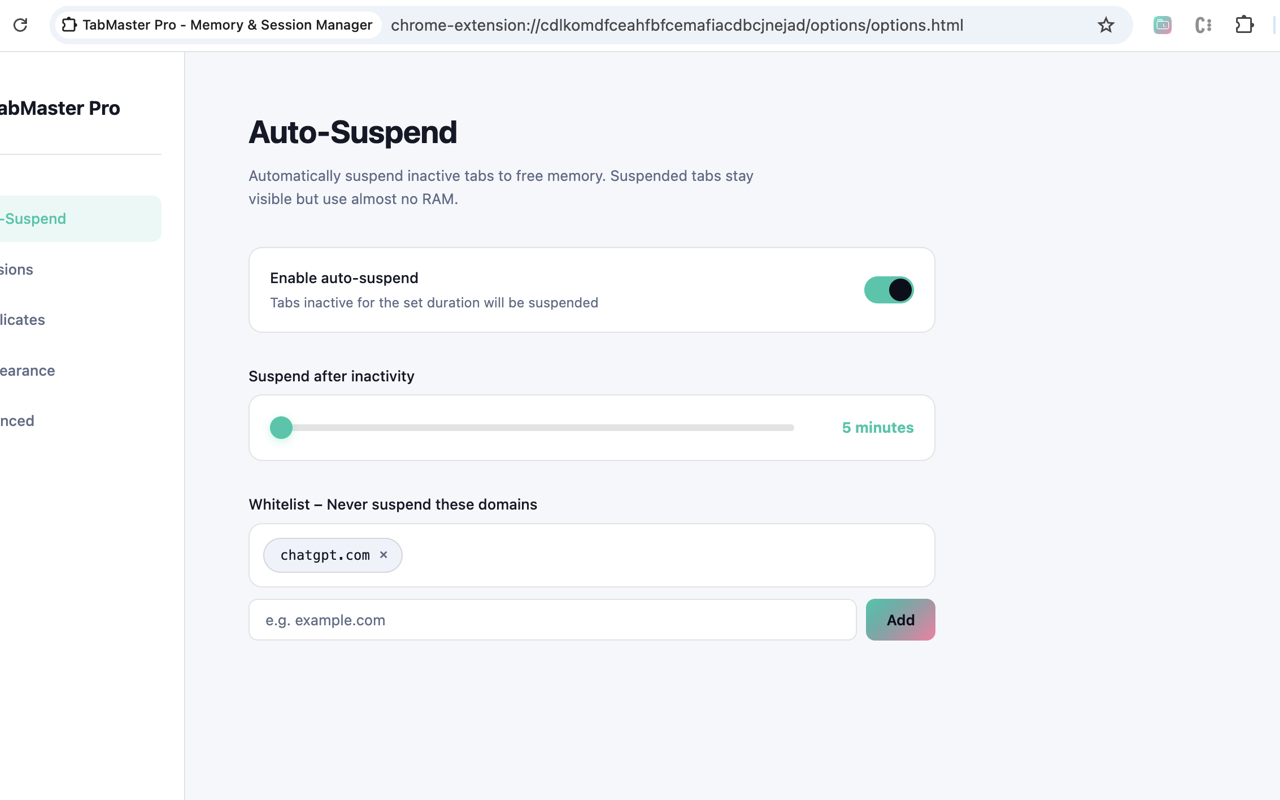
Auto‑Suspend
Automatically hibernates inactive tabs to reduce memory pressure.
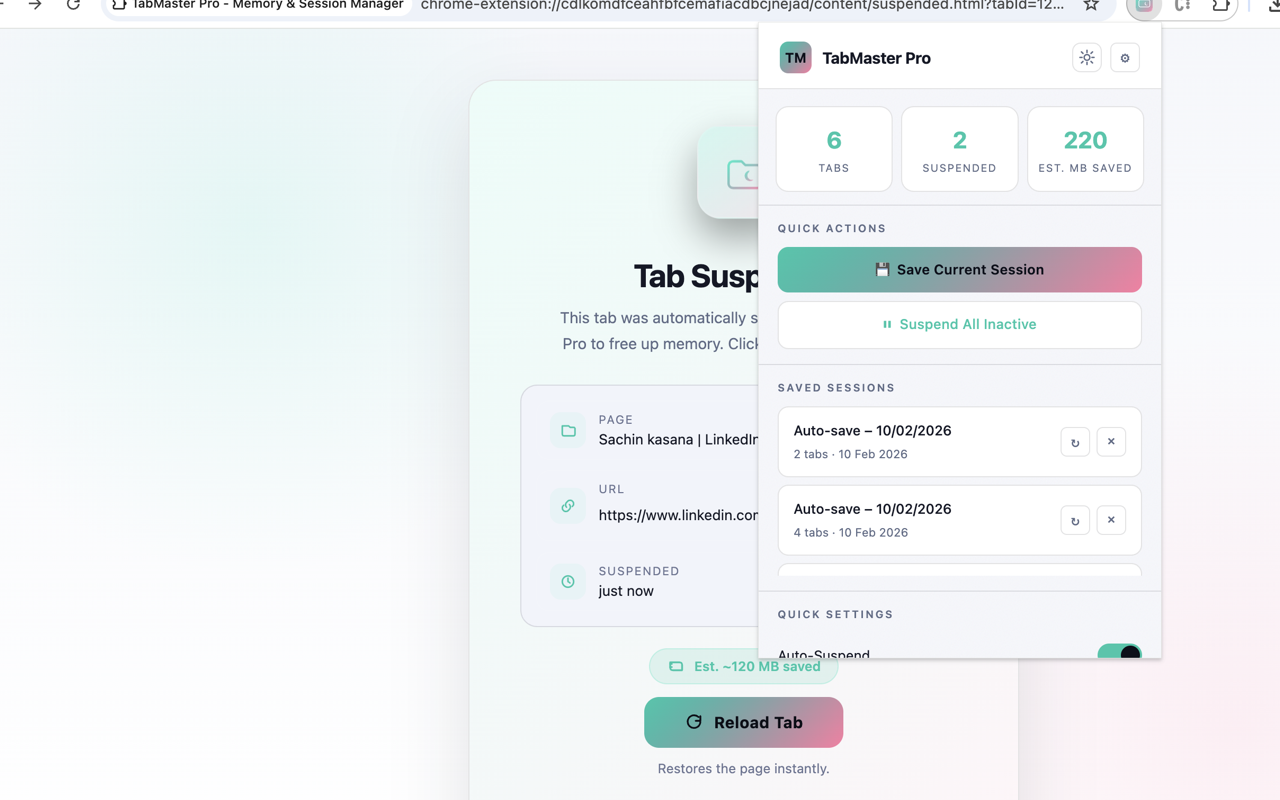
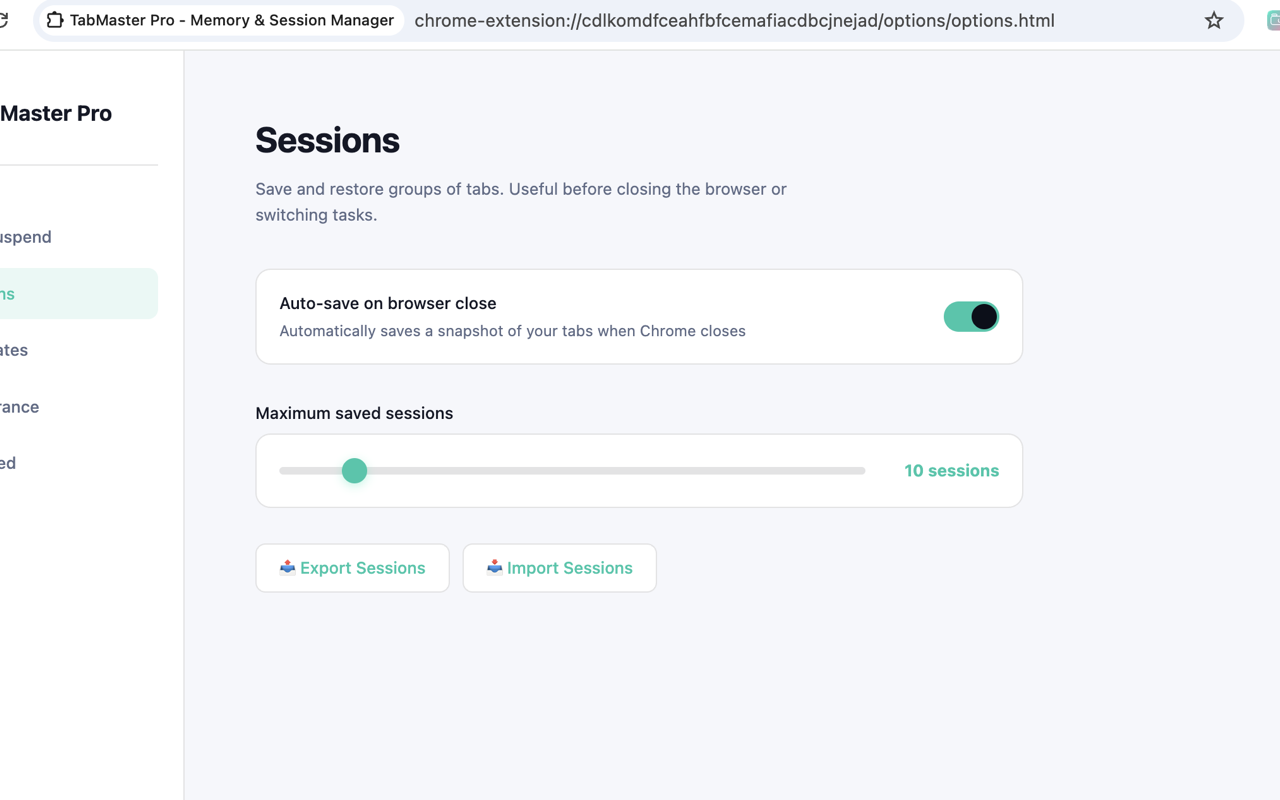
Session Save & Restore
Save your current workspace and restore it later with one click.
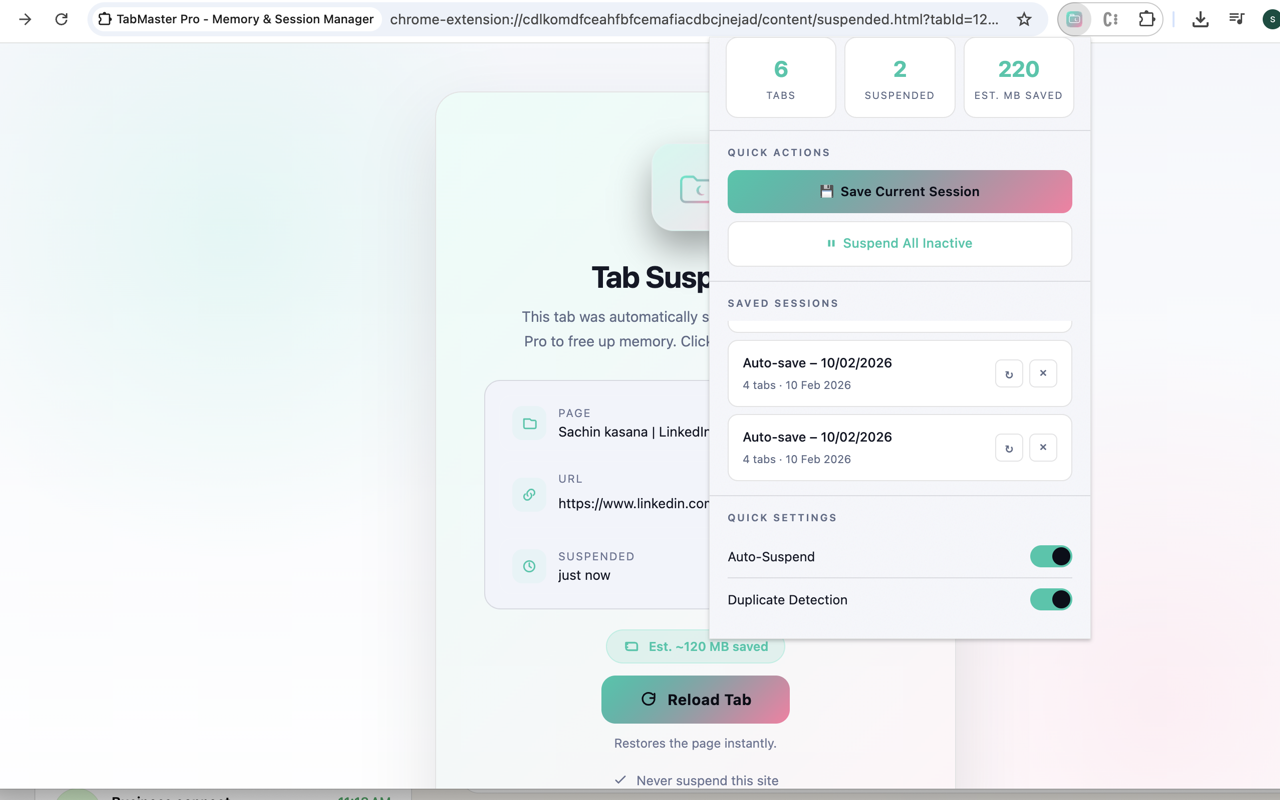
Duplicate Control
Get notified or auto‑close duplicate tabs as you open them.
Whitelist Domains
Keep important sites always active with a simple domain list.
Quick Actions
Suspend inactive tabs or save sessions directly from the popup.
Private by Design
All data stays on your device. No servers. No tracking.
Screenshots
A quick look at the experience.
FAQ
Does it send data anywhere?
No. All data is stored locally in Chrome. TabMaster Pro does not transmit data.
Will it suspend tabs that are playing audio?
No. Audible tabs are excluded from auto‑suspend.
Can I restore sessions after closing Chrome?
Yes. Enable auto‑save on window close and your sessions will be ready to restore.